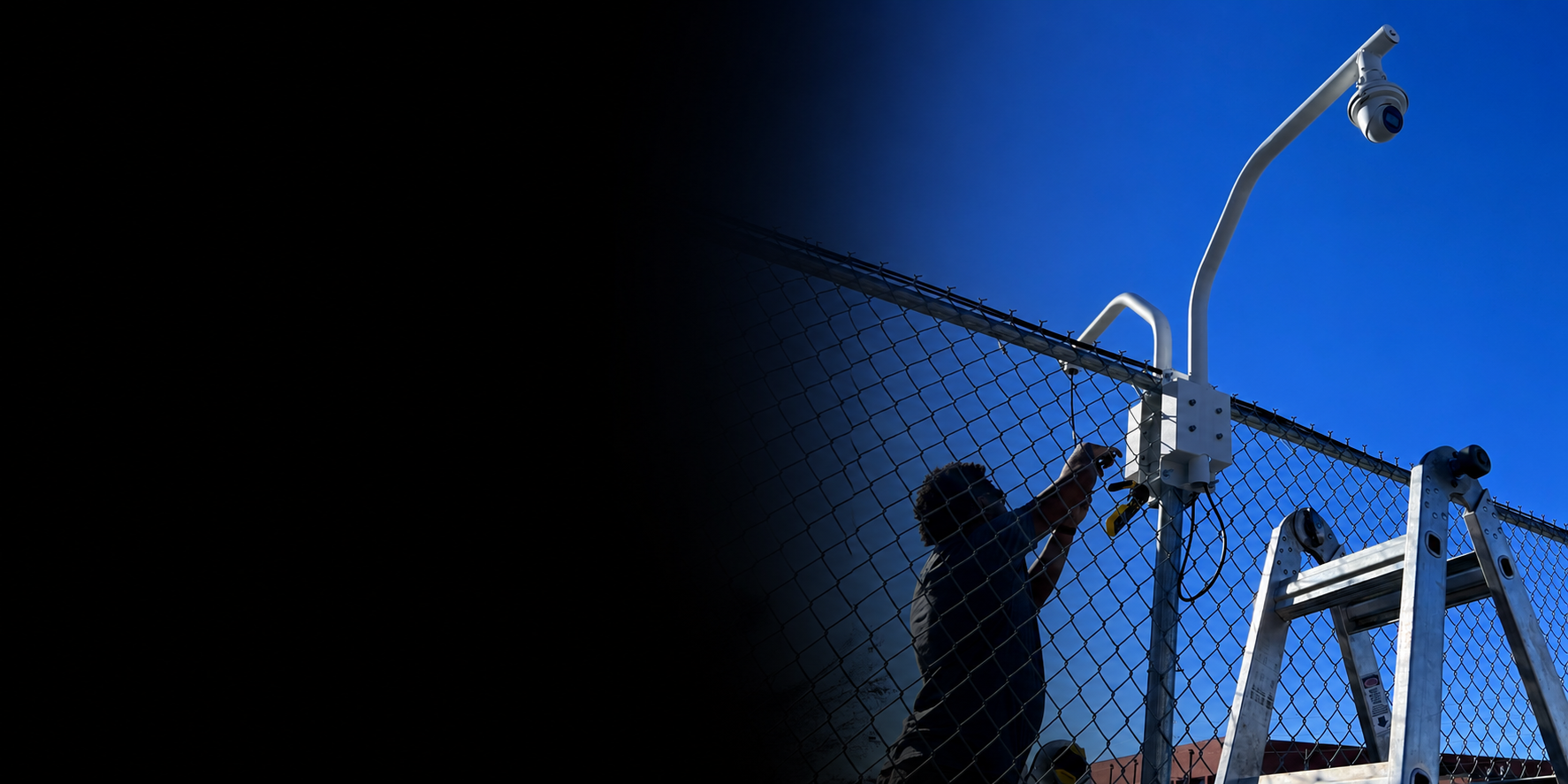
Camera coverage
Security cameras
Indoor and outdoor cameras placed for the doors, parking areas, shared spaces, and blind spots that matter.
ProTek installs and supports camera systems, NVR/DVR recording, door access readers, maglocks, electric strikes, keycards, fobs, PIN access, app access, and supported Face ID-style access.
Camera systems, door access hardware, recording equipment, wiring, and setup support.
We install the hardware, run the cabling, connect the recording equipment, configure access methods, test the system, label what matters, and show the customer how to use it.
Good to know:
Not every camera system has to be connected to the internet. We can set up remote viewing when wanted, or local-only / closed-loop CCTV when internet access is not wanted or not allowed.
Camera coverage
Indoor and outdoor cameras placed for the doors, parking areas, shared spaces, and blind spots that matter.
Recording
Recording equipment, storage planning, camera naming, playback checks, and a setup your team can find later.
Door access
Readers and controllers for doors that need cards, fobs, PINs, app access, or Face ID-style access where supported.
Locks and releases
Maglocks, electric strikes, release buttons, power planning, and hardware matched to how the door is used.
Infrastructure
Cable paths, network equipment, power needs, clean mounting, testing, labels, and documentation.
Closeout
Viewing access, user access methods, basic training, system notes, and support details before the job is closed.
We help property owners, offices, and local organizations control visibility and access without turning the system into a confusing mess.
Common places we support
Shared amenities, resident areas, gates, parking areas, and common rooms where people come and go.
Public entrances, classrooms, offices, volunteer areas, and gathering spaces that need simple visibility.
Front doors, back doors, storage rooms, employee entrances, and staff-only areas used every day.
Doors and spaces where access should be limited, visible, or easier to manage.
Cameras, recorders, door access, remote viewing, and card/fob access all depend on the wiring, network, power, and equipment behind the scenes. We plan those pieces before installation so the system is easier to use, service, and support later.
Clean routes for cameras, readers, locks, recording equipment, and network gear.
Switches, routers, and cabling that keep cameras, readers, and viewing access reachable.
NVR/DVR placement, storage planning, playback checks, and camera naming.
Power planning for cameras, readers, controllers, electric strikes, and maglocks.
Access for owners or managers who need to check cameras from approved devices.
A local support path if a camera, reader, recorder, or app stops working.
We look at the property, the doors, the views, the wiring, and the people who will actually use the system.
We look at doors, approaches, blind spots, mounting points, and where cable can actually run.
We pick views and door points that match the way people use the space.
We decide where cable, power, network gear, and recording equipment should land before install starts.
We mount, connect, focus, test, and verify the system before handoff.
We leave useful notes so the setup is not a mystery later.
We walk through the basics so the people responsible know what to do next.
A camera or door access system is only useful if your team knows how to use it. We help with viewing access, user access methods, basic training, labels, and documentation so the system is not a mystery later.
We help set up viewing access for the people who need it.
We can keep viewing limited to the local system when that is the right fit.
Cards, fobs, PINs, apps, or Face ID-style access are configured where supported.
We show the responsible users how to view, unlock, manage access, and ask for help.
Camera names, recorder notes, access details, and support information help keep the system understandable.
If something stops working, ProTek has the install context and can help troubleshoot it.
ProTek installs and supports camera and door access hardware, but we do not provide alarm monitoring or 24/7 security monitoring. If monitoring is required, it must be handled by a third-party monitoring provider.
Start with a site visit so we can look at doors, cable paths, recording needs, access methods, and support requirements.